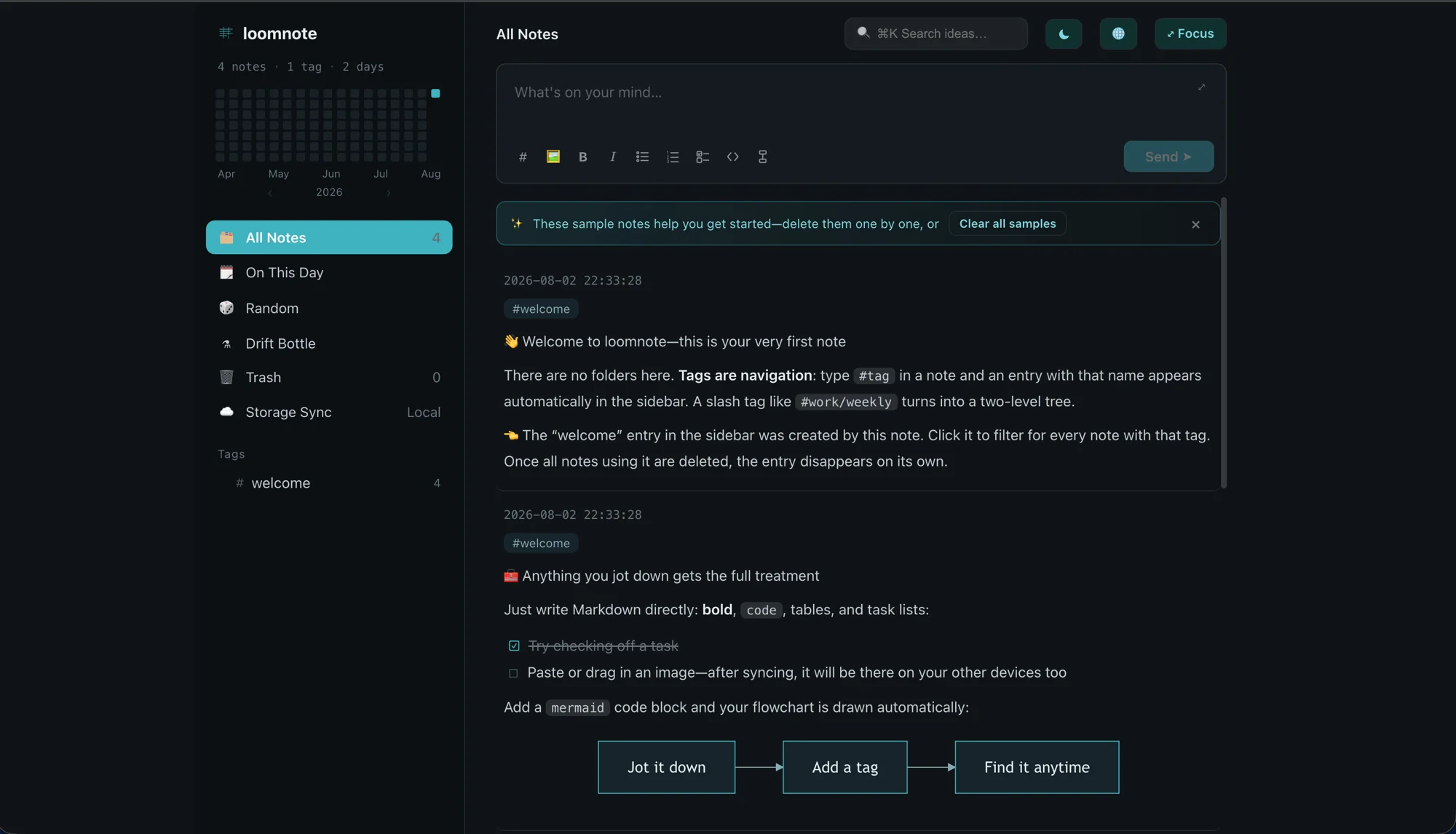
Tags on the left, everything you wrote on the right. Loomnote is dark by default — it's built for the two minutes between one thing and the next.
A tag-first place to capture ideas: no folders, just tags. Notes are plain Markdown, the working copy stays on your device, and the durable copy goes to storage you already own. We run no database and never store your note bodies.
There are no folders here. Type #tag in a note and an entry with that name appears in the sidebar automatically. A slash tag like #work/weekly turns into a two-level tree. Delete every note using a tag and the entry disappears on its own.
Your note appears as soon as you press Enter, while it finishes saving in the background. Retry or discard failures without losing your train of thought.
Code blocks, lists, images, and tables render as you write without breaking your flow. Everything is stored as plain .md files, one per note.
Add a mermaid code block and your flowchart is drawn automatically — right there in the note.
Use ⌘K to search across everything you've written.
简中 / 繁中 / English / 日本語 / 한국어 — switch the interface whenever you like.
Notes land on your device first and work offline — no server is required. Sync across devices through your own repository: your data stays under your name, ready on the next device.
Every note is a Markdown file in your repository. Sync may route credentials — and sometimes note bodies — through our no-store edge proxy in transit; we never persist or log them. No lock-in and no hostage-taking — if you ever leave, one git clone brings every note with you unchanged.
A local, read-only MCP server lets your own AI client — Claude Desktop, Claude Code — search, summarize and connect your notes. It runs on your machine, and note bodies never reach us.
Read-only on purpose: creating, editing and deleting notes are not exposed to agents in v1.
search_notesget_notelist_noteslist_tags
Open Loomnote's AI Connection panel and copy the snippet for your client — your local path is already filled in. Paste it into Claude Desktop's config file, or run the command it hands you for Claude Code.
No folders to plan, no schema to design. Type something, give it a tag, move on — it works in your browser right now.